

Trace and validation
Before a draft can be published, it has to validate: the agent server checks the draft and then runs it against a sample question. Validation proves that the agent passes the schema and security checks, finds everything it needs in your account, and runs to the end. Publish stays unavailable until it does. Validation happens in the draft editor, on the Validate tab below the agent definition.
What validation checks
Validation runs in three stages. Problems from the first two are reported together, and the agent runs only if neither finds any.
- Definition and security checks. The definition is checked fresh, with the account's current settings. Every command and field must be one the agent schema allows. Every Python expression must pass the security checks: no dunders, and no operator the compile rules disallow. The agent may read only the
sysvariables the account makes available, and every profile the agent names must exist. - What the agent server can find. Every name an expression calls must be on the account's allowlist, and every secret the agent reads must exist.
- A real run. The agent runs against the draft's validation query, exactly as it would for a user, with tracing on, so that every step is visible.
The draft validates only if the run finishes successfully. Both results are stored with the draft: that it passed the checks, and that it ran. Saving any change to the draft clears both, so the draft validates again before it can be published.
Running a validation
- Open the draft and select the Validate tab.
- Enter a validation query: a typical question a user would ask this agent. The query is saved with the draft.
- Select Validate/Trace, or press Ctrl+Enter (⌘⏎ on a Mac). Unsaved changes are saved first.
While the run is under way, the Validate tab reads Validating, and Stop appears beside it in the output panel. Stopping ends the run, and nothing from the run is saved. The Draft with AI tab is locked until the run finishes, so its result cannot land out of sight.
Follow-up questions
A user rarely asks just one question: the user asks, reads the answer, and continues in the same conversation. Validation lets you test that too, with follow-up questions to the conversation your validation run started. Every draft has its own validation conversation, separate from anyone's searches. The conversation holds what the agent carried over between turns, such as its agent. and conv. variables, just as a user's conversation would.
- Start the conversation. Validate with the saved validation query. Once the agent has run, the conversation exists, whether the run finished or paused on an
ask. - Ask a follow-up. The box's label changes from Validation query to Follow-up question. Type the next question a user might ask, and select Validate/Trace or press Ctrl+Enter.
- Keep going. Each follow-up continues the same conversation, and the box empties after each run, ready for the next question. The output console shows the latest run.
- Follow-up questions are not saved with the draft. The saved validation query stays as it was, however many follow-ups you ask.
- You can change the agent in the middle of a conversation. Every run checks the draft as it is now, so you can fix something the second turn exposed and ask the same follow-up again.
- A follow-up is a full validation. It goes through the same checks, and a follow-up that runs successfully marks the draft as validated.
- A failed run ends the conversation in the editor. After check errors or a runtime error, the box goes back to the validation query, and the next run starts the conversation again from the first question.
- Start over with the validation query leaves the conversation; the next run asks the saved query in a fresh conversation. Reloading the page does the same.
- Publishing or deleting the draft deletes its validation conversation.
Two messages you may see. Type a follow-up question, or start a new conversation: the follow-up box is empty. Validation cannot be run on the follow-up query as the stored state could not be found: the conversation the follow-up was meant to continue is no longer stored; start over with the validation query.
When the agent asks for input
If the agent reaches an ask command, the run pauses and the form the user would see appears in the panel. This is not a failure: fill in the form and submit it to continue the run.
Reading the result
The Validate tab always shows where the draft stands, even while you are on Draft with AI.
| Status | Meaning |
|---|---|
| Not validated | Never validated, or changed since it last validated. |
| Validating | A run is in progress. |
| Failed | The last run in this session found problems. Not stored: after a reload, a draft that failed reads Not validated. |
| Validated | The draft passed the checks and ran. It can be published. |
Validation errors
When the checks find problems, they are listed under Validation errors, definition errors first. Each one says what is wrong, and where.
- at
main.commands.llm: select the location to jump to that command in the editor, with the whole command selected. A location that no longer exists, because you have edited the definition since, says so. - Allowlist item: the agent calls something that is not on the account's allowlist. Select Open Allowlist to add it, or change the expression.
- Secret: the agent reads a secret the account does not have. Set it up where your secrets are kept.
Runtime errors
If the definition passes the checks but the run fails, the error that ended it is shown as a Runtime error, for example an expression that could not be evaluated or an API call that failed. The output console shows everything that happened up to that point.
The validation output
Below the errors, the Validation output console lists the run step by step. Each line shows how long after the start it happened, what happened, and, when the line belongs to a command, where in the agent the command is. Select that location to jump to the command in the editor.
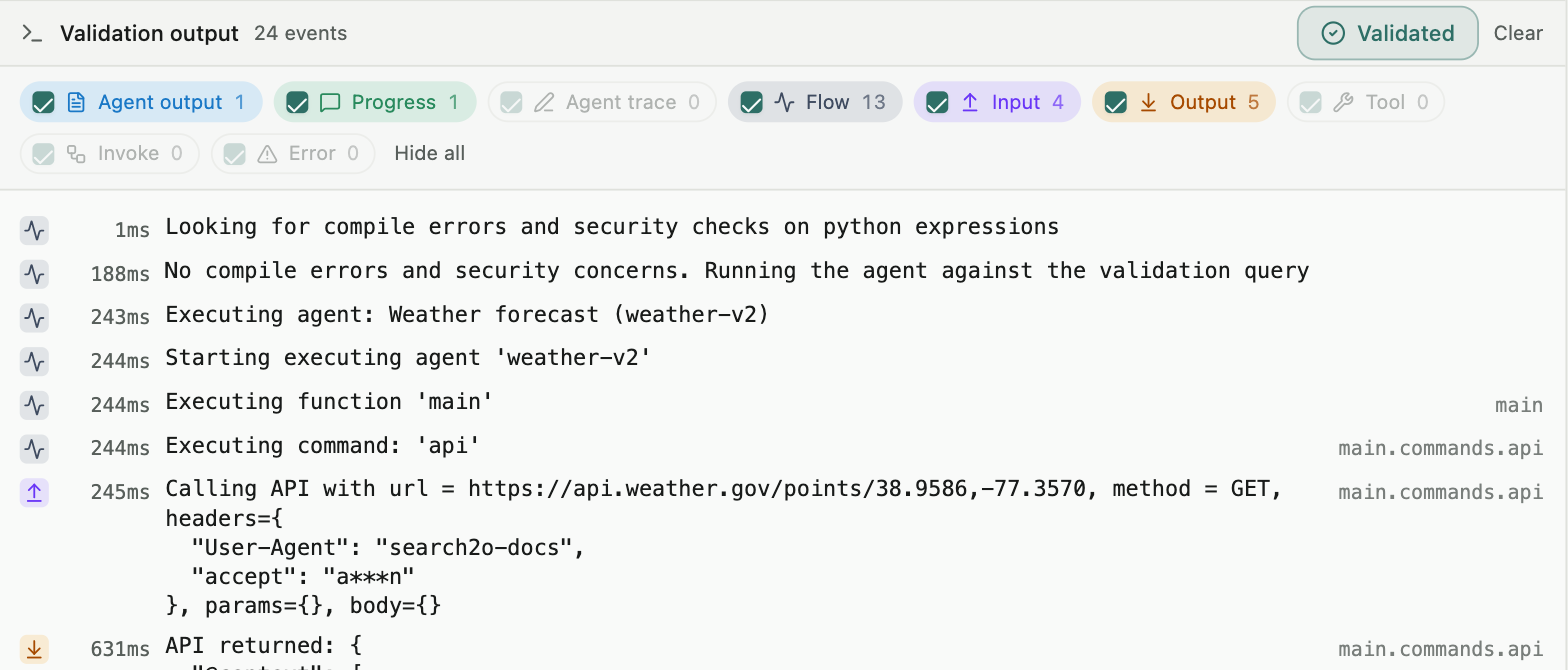
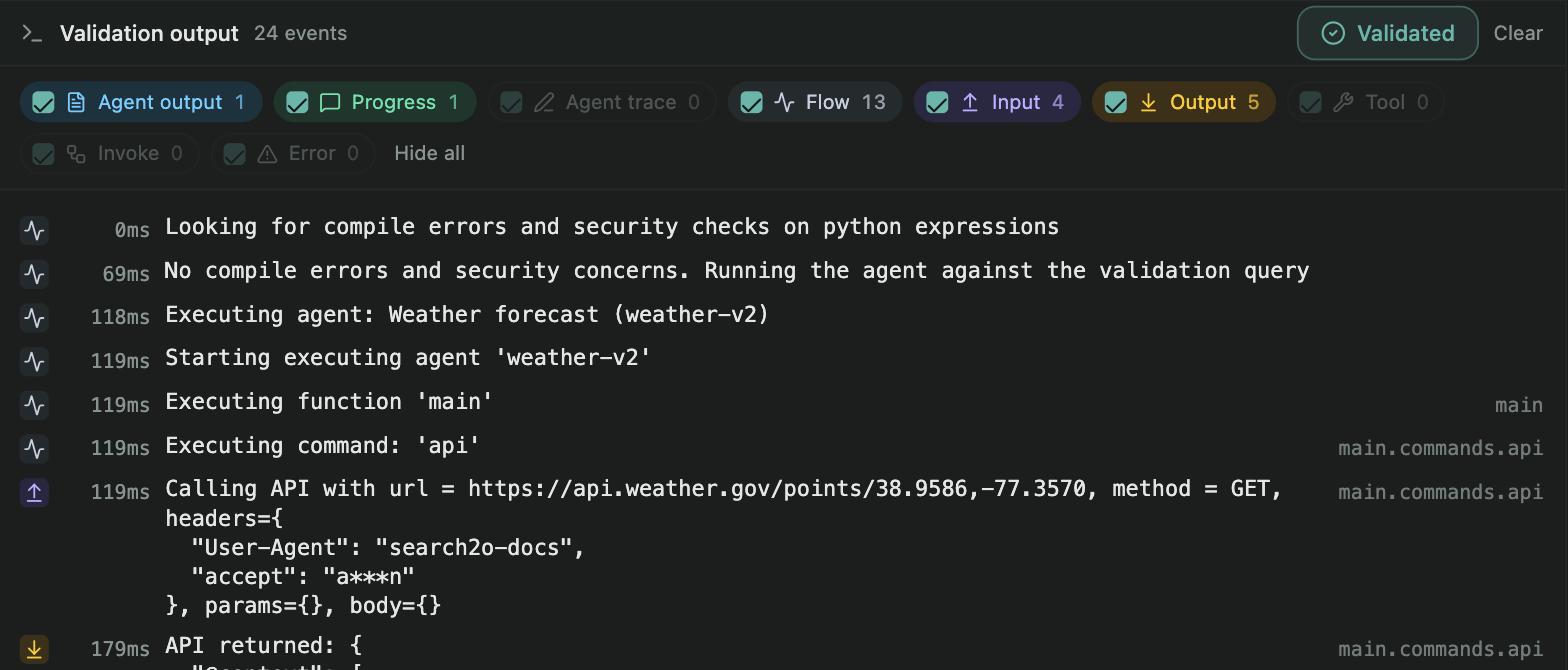
A traced run mixes very different things, and the payloads are usually the largest part. The filters above the console put a kind of line away and bring it back.
| Filter | What it shows |
|---|---|
| Agent output | What the agent produced: the output a user would see. |
| Progress | Progress notes sent while the run is under way. |
| Agent trace | The agent author's own notes, written with the trace command. |
| Flow | Command and function boundaries, if and loop conditions, break and continue when they fire, end, and the definition checks. |
| Input | What each command was called with: the LLM request, API URL and headers, SQL, a search's query and tag, prompt text, a function's arguments, and the fields an ask presented. |
| Output | What each command produced: LLM content and token counts, API bodies, database row counts, search results, a function's return value, what a var assigned, and the answers to an ask. |
| Tool | Tool calls the LLM makes, with their arguments and results, and MCP discovery. |
| Invoke | Nested agents: the inputs another agent was invoked with, and what it returned or whether it paused. |
| Error | Every failure, whatever raised it. Showing only this filter gives the complete list of errors. |
- Each filter shows how many lines of its kind the run produced; hovering over a filter shows what it covers.
- Every filter is on at the start, so a run is never shown partially without you choosing it. A kind the run did not produce is greyed out rather than hidden.
- Show all and Hide all turn every filter on or off at once; each appears only when it would change something. The header counts the lines shown and the lines hidden.
- Filters change only what you see. They never re-run anything, so you can read the flow, put the payloads away and bring them back without paying for another run.
Clear empties the console and removes the errors shown for the last run. It does not change whether the draft is validated: if the last run failed, the Validate tab goes back to showing the stored status. Validation runs are your own testing and are not counted in the agent's execution, cost or performance reports.
Why validation errors are not fixed by AI
The draft editor has Draft with AI, which can write and edit the agent. It would be easy to add a button that sends a failed validation to the AI. We deliberately do not.
A validation run is a real run against your own systems. Its output, trace and runtime errors carry whatever those systems returned: rows from your databases and bodies from your APIs; what your LLMs said, and the prompts that were sent to them; the validation query, and values such as the user's email address or cookies when the agent reads them; error messages, which often quote the value that caused them.
Search2o does not send your agent's output to an LLM. Draft with AI receives the draft's definition, your request, the profiles the draft uses with their notes, and the account's allowlist, disallowed operators and available sys variables. Nothing produced by running the agent is included: no output, no trace, no runtime error, and no validation query. An automatic fix would have to break that, so it is not offered. Instead:
- Fix it in the editor. Validation errors point at the command they are about.
- Describe the problem to Draft with AI yourself, for example "the
forloop contains anask, which is not allowed". Definition errors describe the definition, not your data, so repeating one in your request is safe. Anything you type into the request is sent, so please keep output and trace lines out of it. - Keep credentials out of the definition. The definition itself is sent to Draft with AI. Connection strings, API keys and URLs that carry credentials belong in profiles and secrets, not inline in the agent.