

Agents
The developer's workspace: private drafts, the published agents that everyone shares, and the search settings.
Drafts
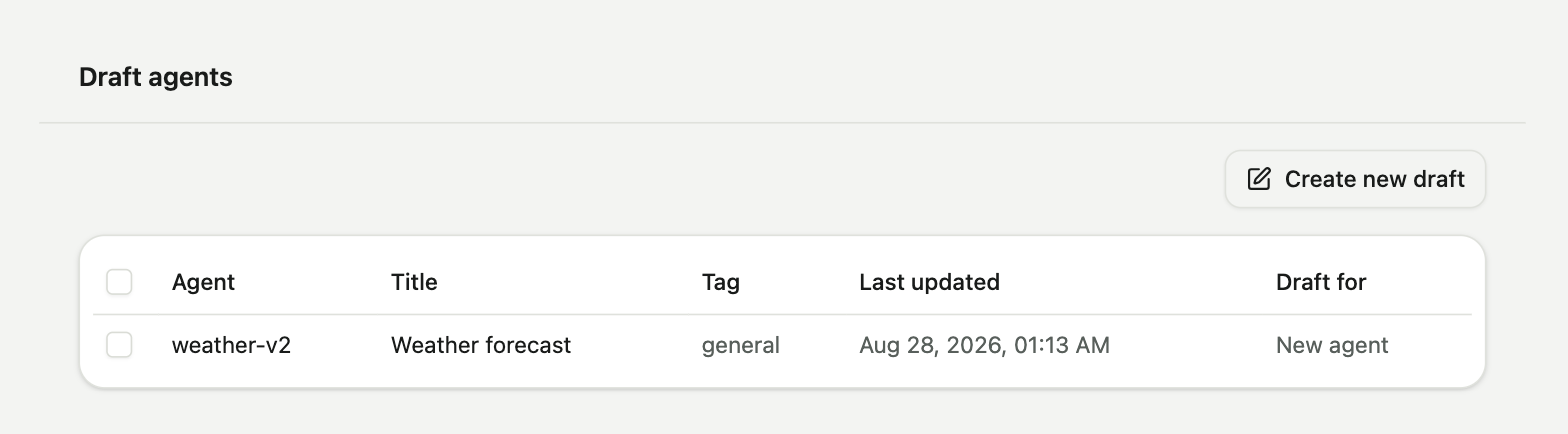
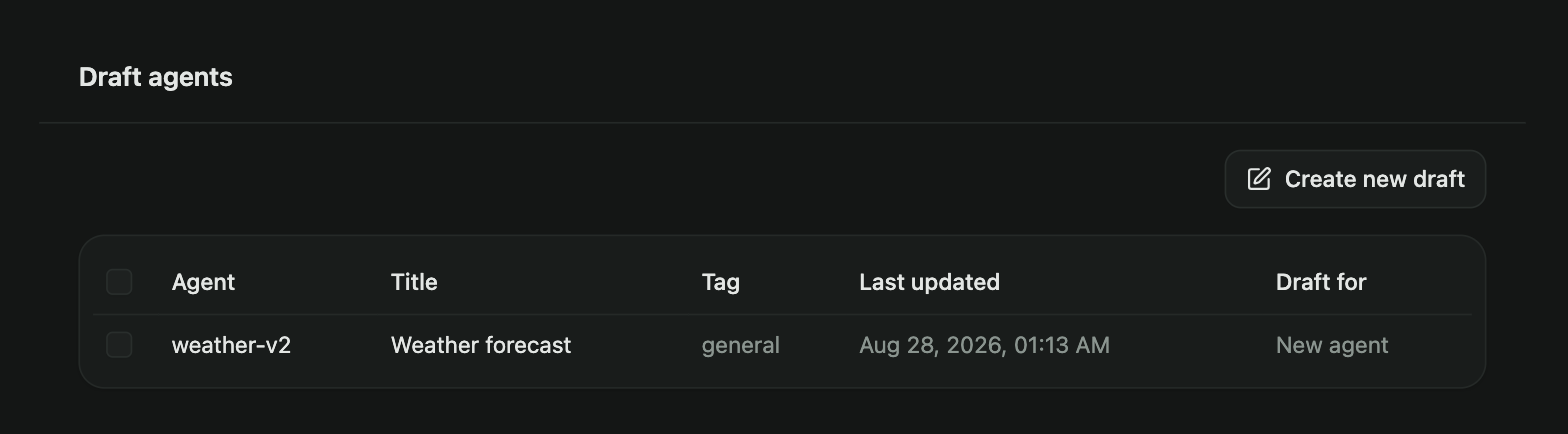
Your drafts, both new agents and changes to existing agents. Create a new draft, or open a published agent and create a draft from it. Drafts can be deleted in bulk. Deleting a draft never affects a published agent.
Draft editor
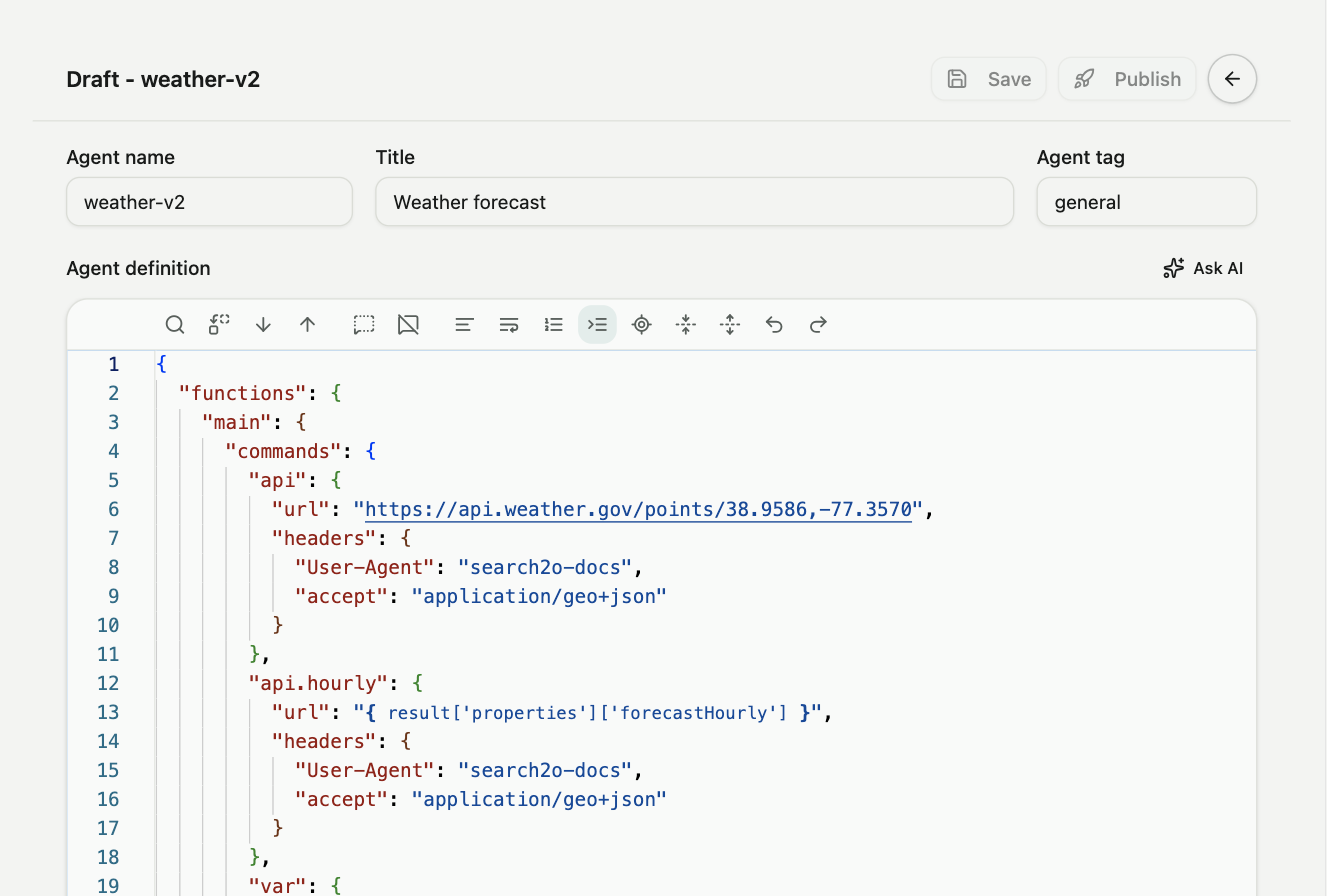
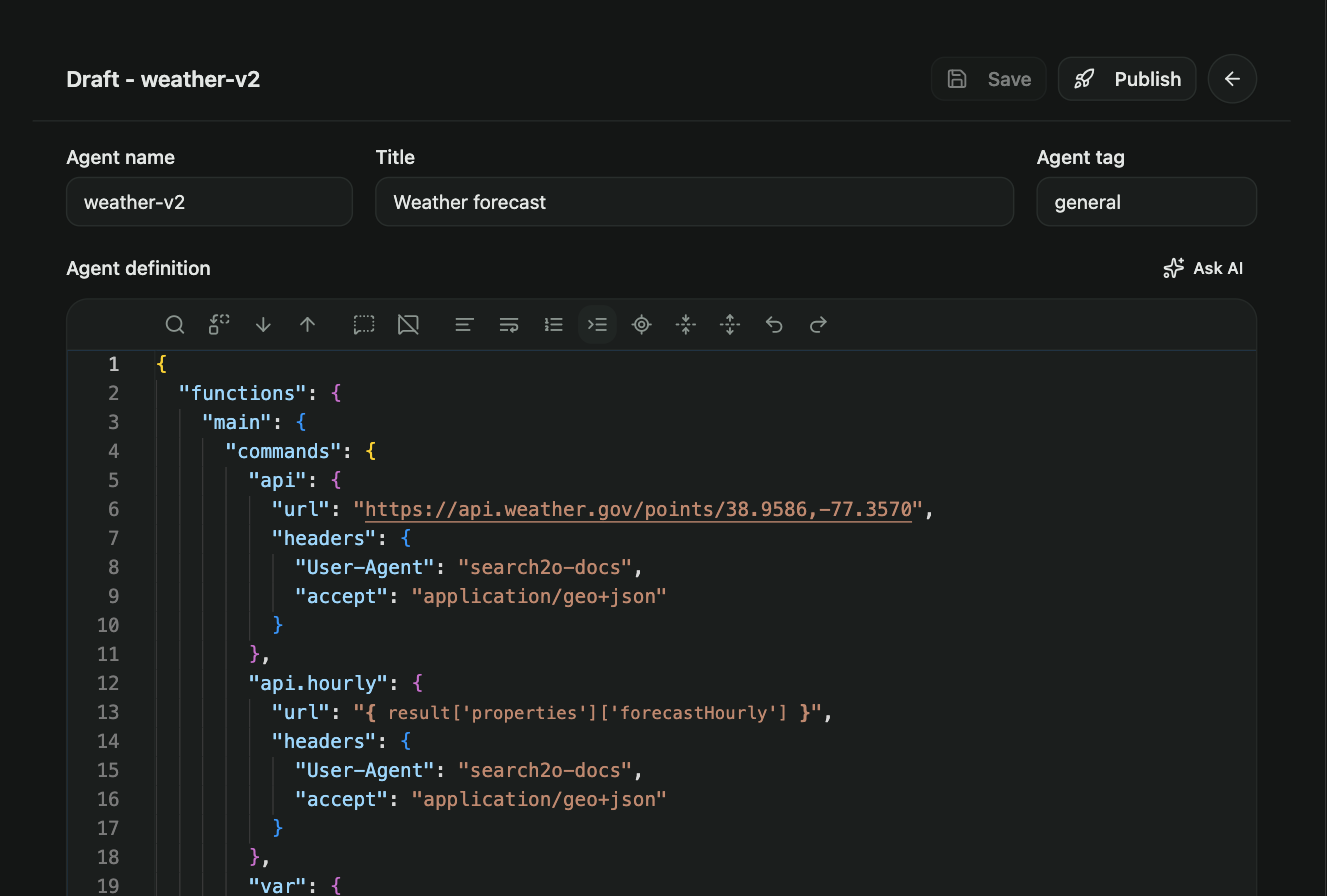
The editor page holds the draft's name, title, tag and validation query, the JSONC editor, and below it Draft with AI and Validate. Validate runs the draft and opens the trace. Publish is enabled once validation has passed. Press F1 for the command list; type a double quote for suggestions at the cursor. See Agent editor and Draft with AI.
Published
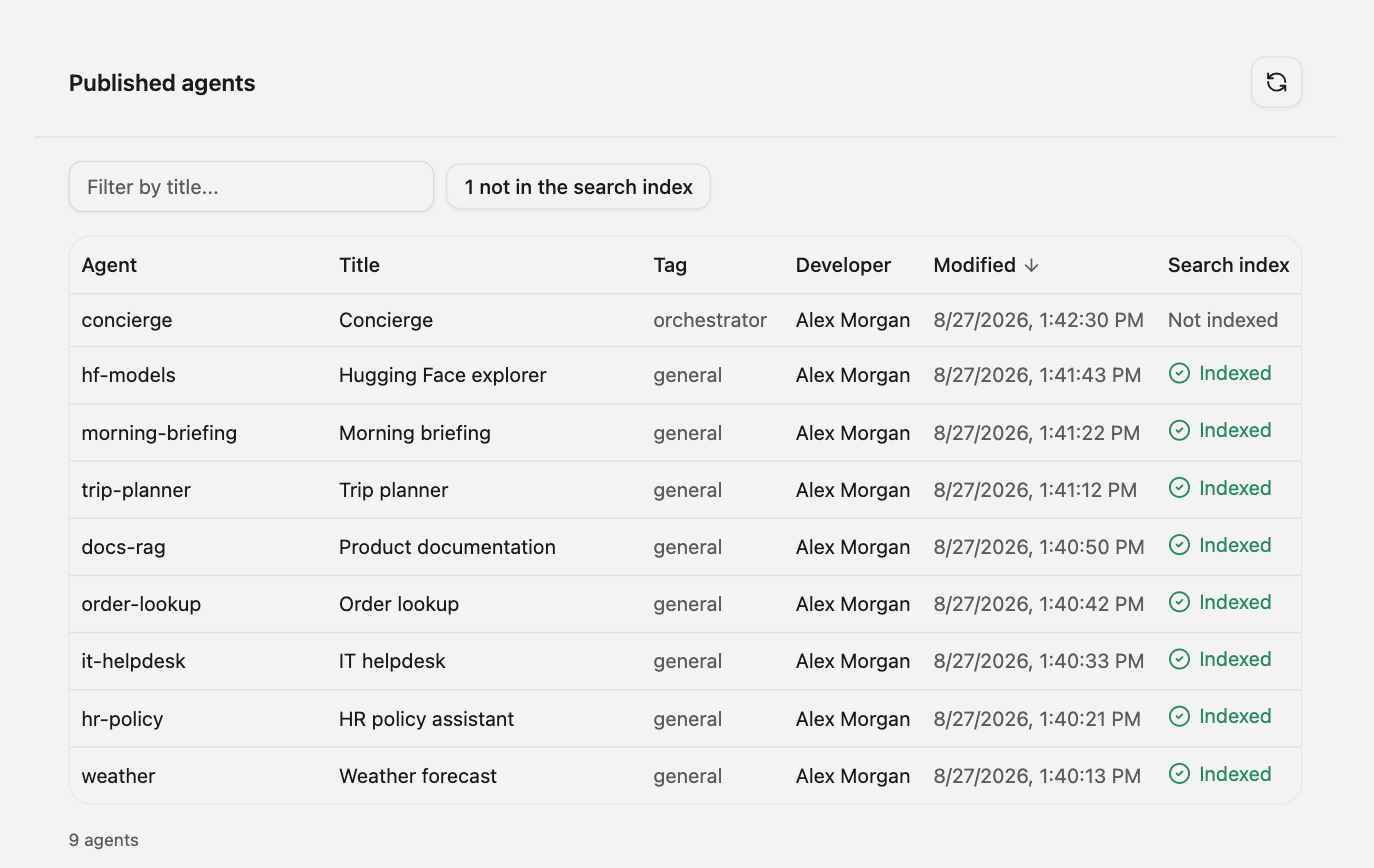
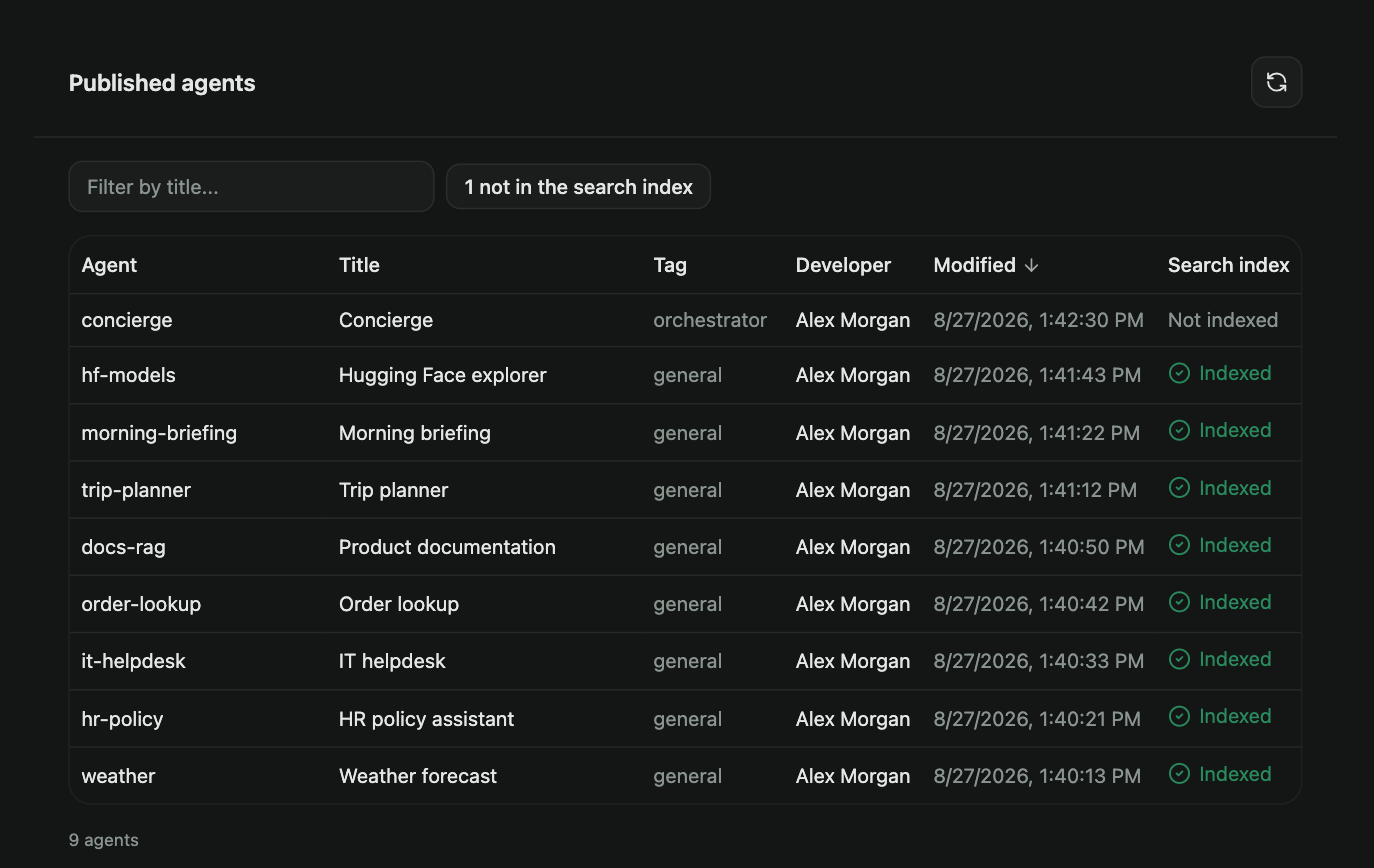
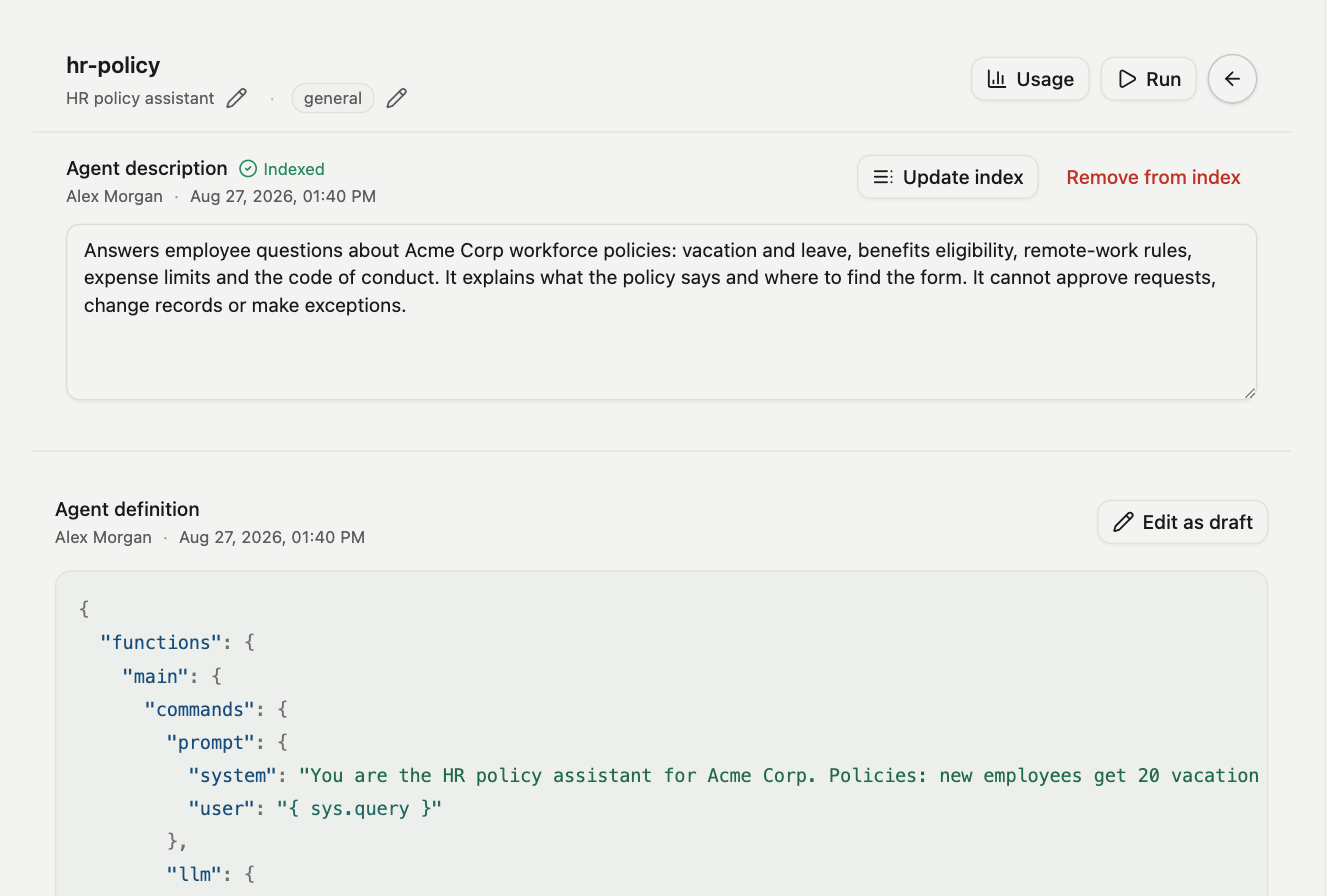
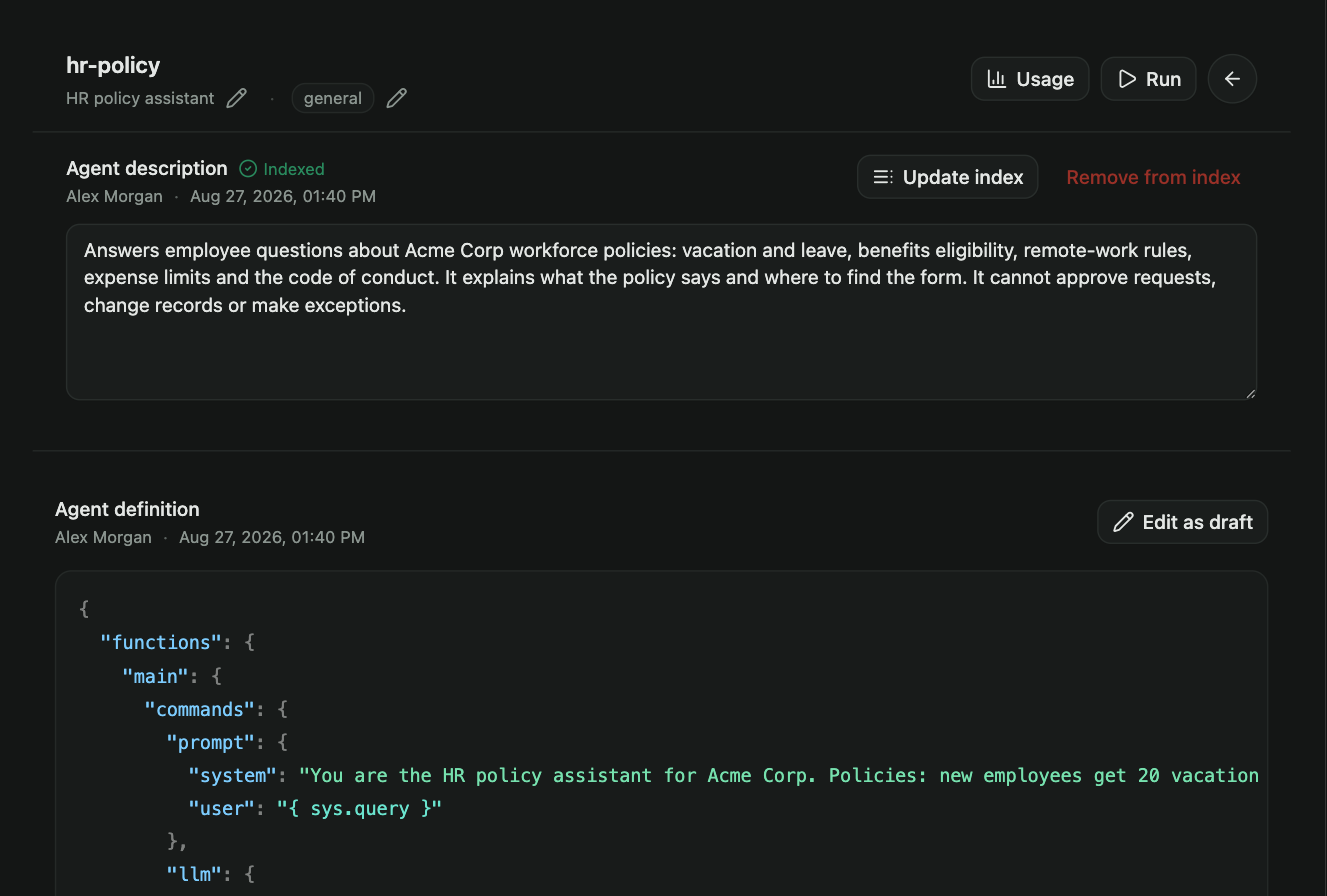
All the agents in the account, with the tag, the version, the publisher, and whether the agent is indexed. Only an indexed agent can be matched by search. Open an agent to see its definition and past versions, write or change its description, change its tag or title, remove it from the index, run it directly against a query, or delete it.
Search
The default tag, and what pressing Enter does on a new search and on a follow-up. See Search settings.