

GUI
A tour of the bundled GUI. Every user sees the same search interface. Developers and administrators also see the platform pages that their role allows.
Layout
The left rail has two stacks. Searches lists the user's conversations, pinned conversations first, and is where a search starts. Platform lists the pages that build and run the system. The pages are grouped as Agents, Profiles, Guardrails, Operations, Reports, Admin and Billing, and a user sees only the groups that their role allows. The header carries the breadcrumb, notifications, the docs icon for asking the documentation a question, and help. Every page has a short description at the top. Every configuration field shows its description on hover, and that description is the same text as in the Configuration reference.
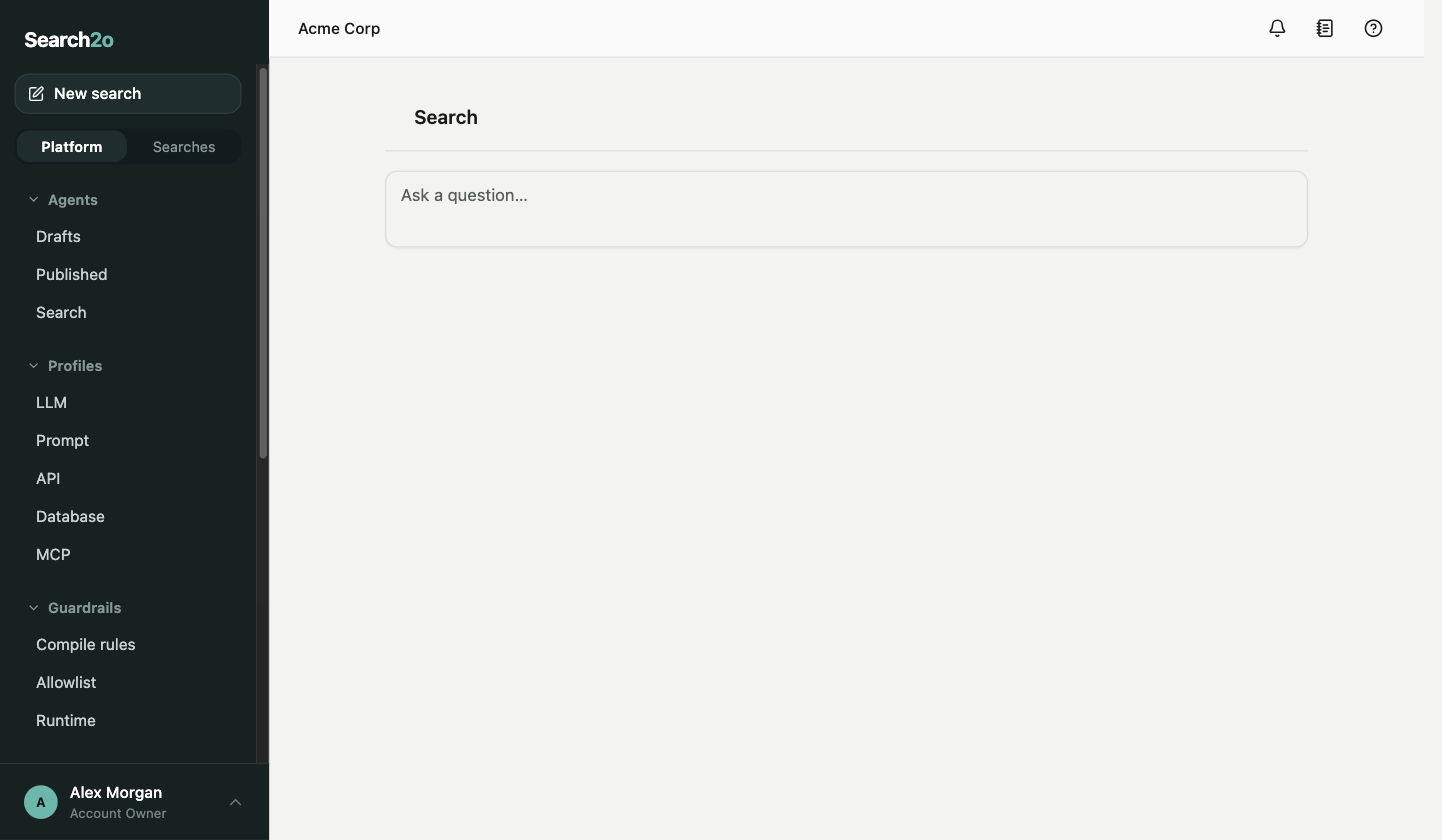
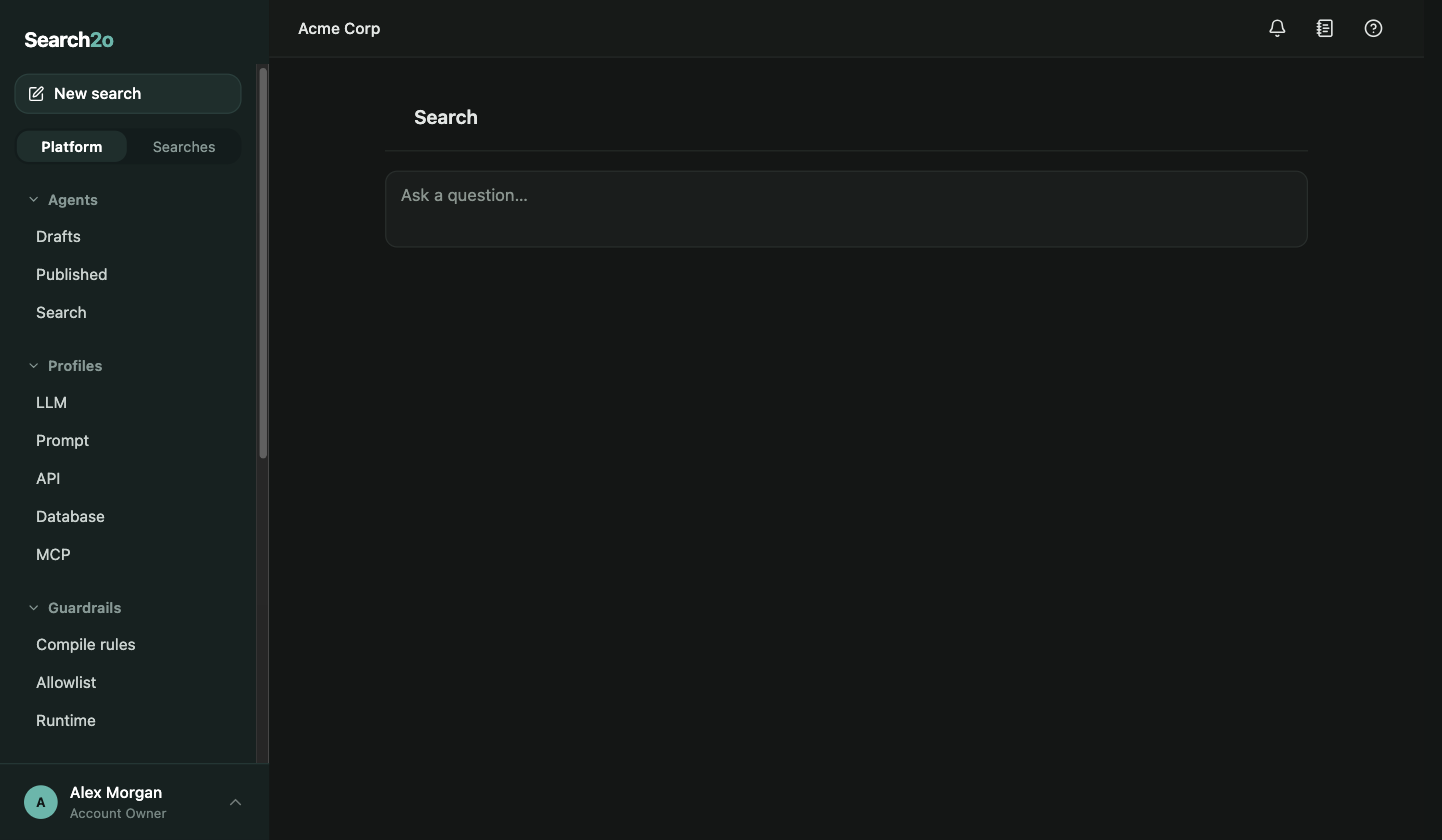
- How the GUI runsThe GUI is Search2o’s official interface: a single-page application bundled with the agent server. The GUI uses the server’s REST API and nothing else, and y…
- Search and conversationsWhere every user starts. Type what you need; the matching agent runs and answers in the same view.
- AgentsThe developer's workspace: private drafts, the published agents that everyone shares, and the search settings.
- ProfilesThe named things that agents refer to: LLMs, prompts, REST APIs, databases and MCP servers. Each list shows which agents use each profile. A profile that is …
- GuardrailsWhat agent expressions may do. Developers edit these settings, and the settings apply to every agent.
- OperationsAdministrator pages for the agent servers and the systems they connect to.
- ReportsFour reports over the retained executions: 7 days on the Free plan, 90 days on Paid. Each report has a date range, a trend chart and a table, and each table …
- Admin and billingTwo groups: Admin — Users, Service accounts, Authentication and License, for administrators and the owner — and Billing — Account and Invoices, for the owner.
- Profile, notifications and docsThe pages every user has: the profile, the notification feed, and help.