

Search and conversations
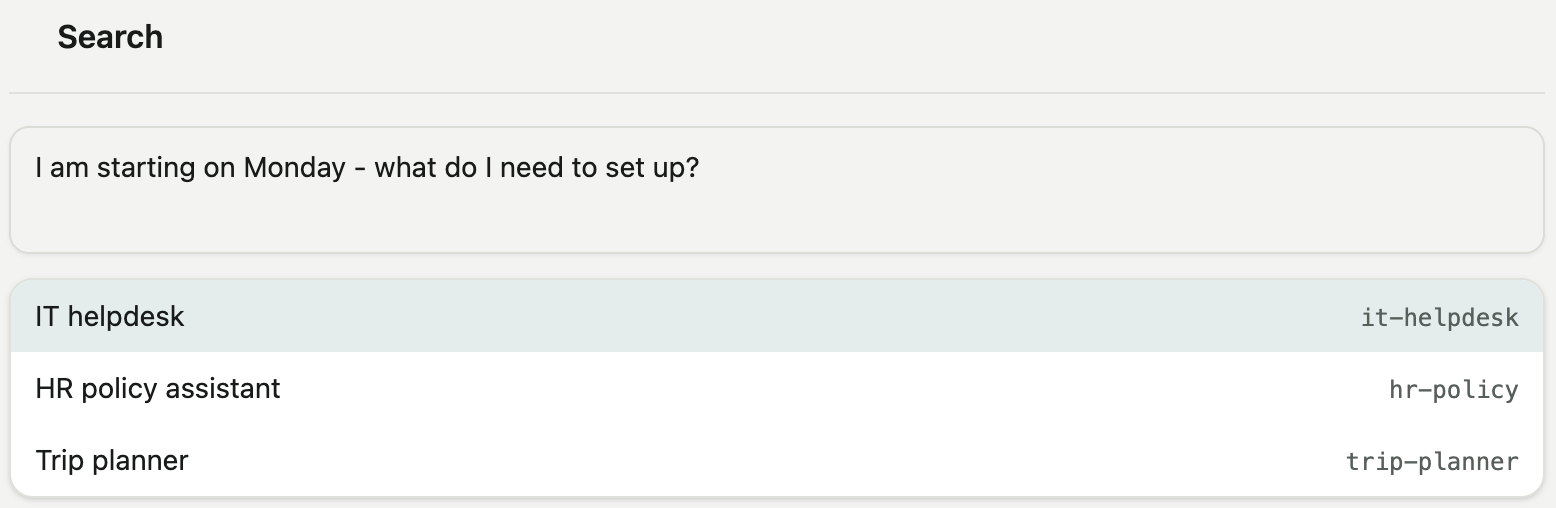
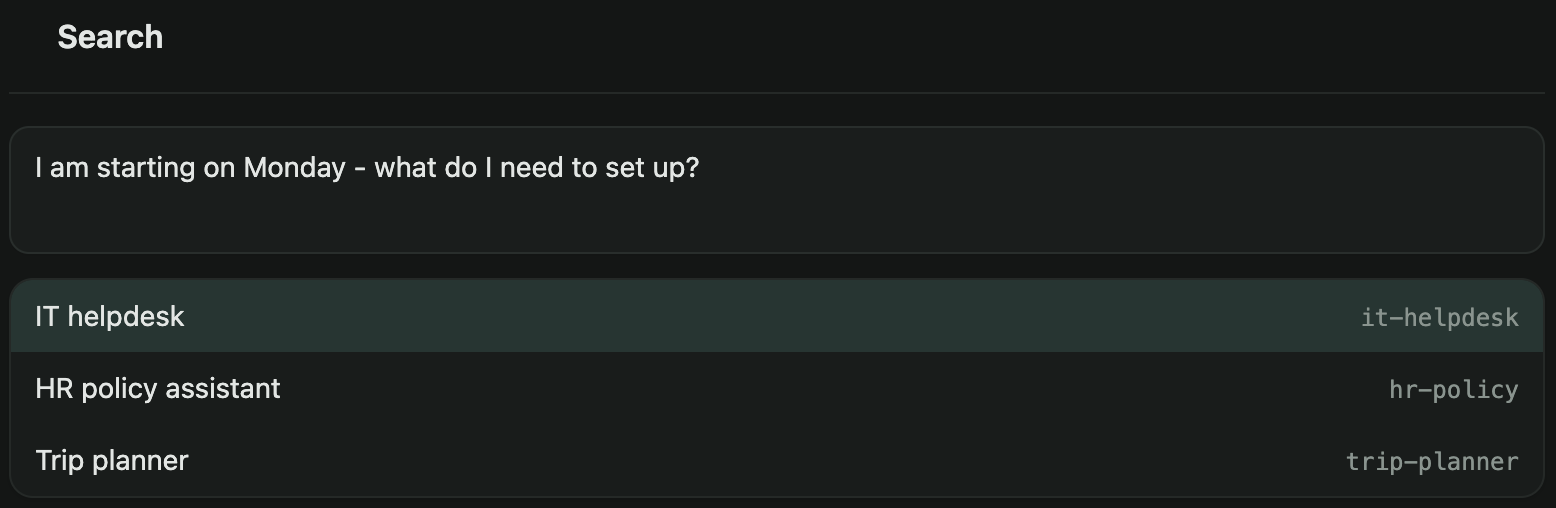
Where every user starts. Type what you need; the matching agent runs and answers in the same view.
Searching
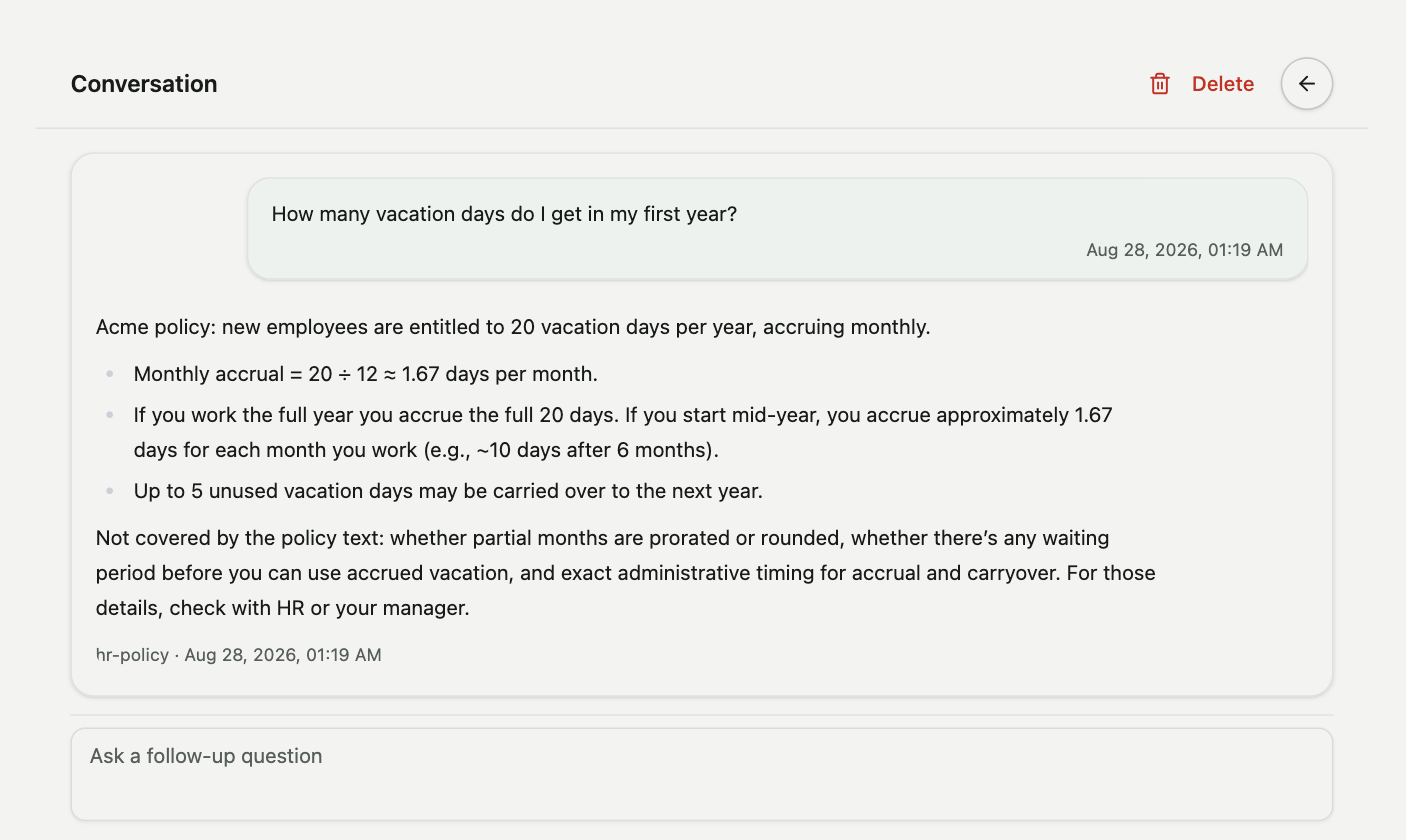
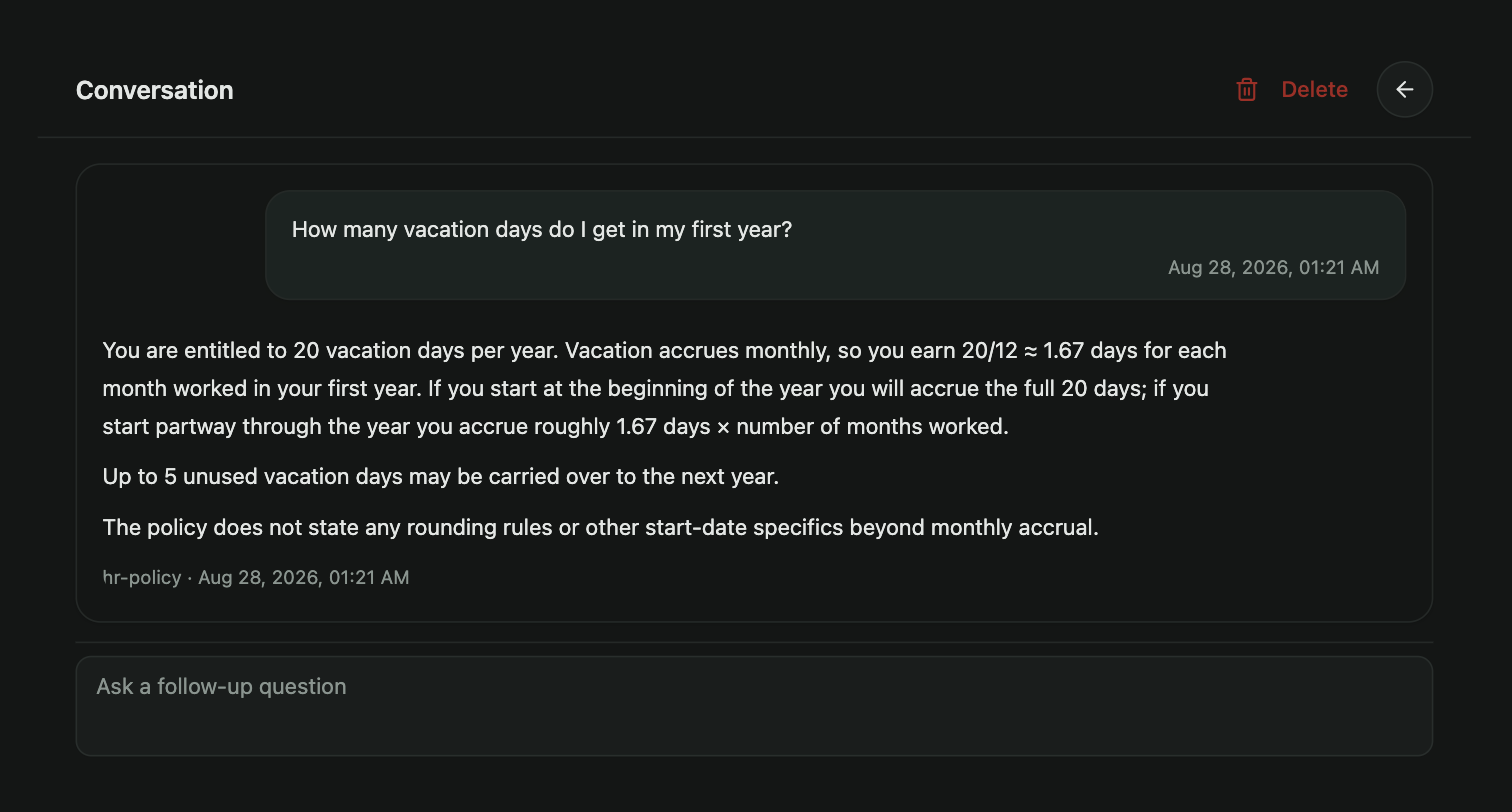
Enter a request in the search box. With the default settings the best match runs at once, and its progress and output stream into the conversation. If nothing matches, the page says so. A search setting can offer two or three matches as choices instead. The conversation view shows each exchange: the query, the agent that answered, and the agent's output, with the agent's title above each answer.
Follow-ups
Type again in the same conversation to follow up. A search setting decides whether the follow-up goes to the same agent or is searched again. When an agent asks for input, a form appears in the conversation, and the agent continues when the form is submitted.
Conversations
The Searches rail lists conversations by title, with the time of the last run. The title is the first query, unless the conversation was renamed. Hover over a row to pin, rename or delete the conversation. Pinned conversations stay at the top and are kept indefinitely. Unpinned conversations are deleted after their last activity: 7 days on the Free plan, 90 days on Paid. A conversation can also be deleted from its own page.
Stopping
A running agent can be stopped from the conversation. The run is recorded as stopped, and the conversation keeps its earlier state.